Integrations

Connect Build My Story with the systems your school already uses.

Build My Story is a student publishing program for elementary classrooms. Teachers guide students through planning and writing, then AI helps illustrate each page in a chosen style, and families can optionally order printed copies.

Google Classroom

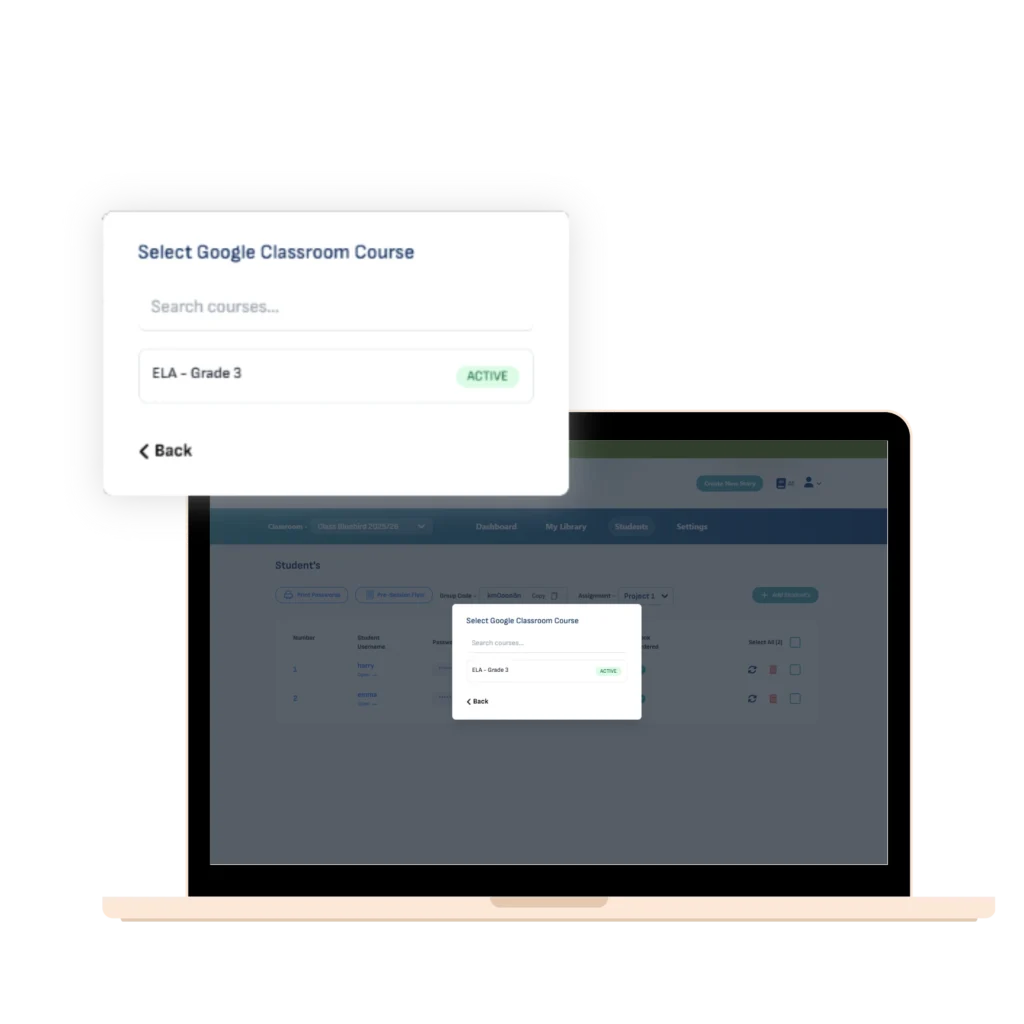
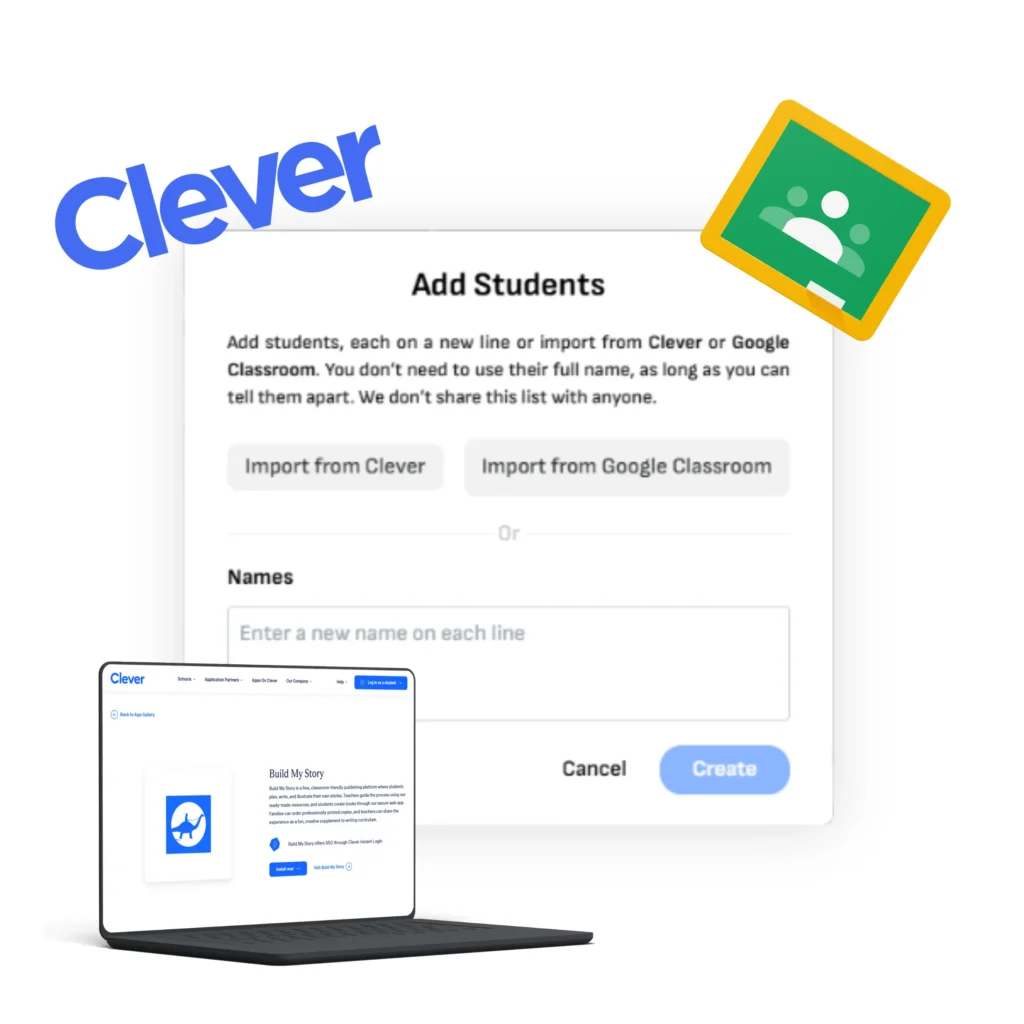
Import classes and students in minutes, without re-typing.

Connect your teacher account
Import classes and rosters
Keep your setup organized as you launch a project

Clever SSO

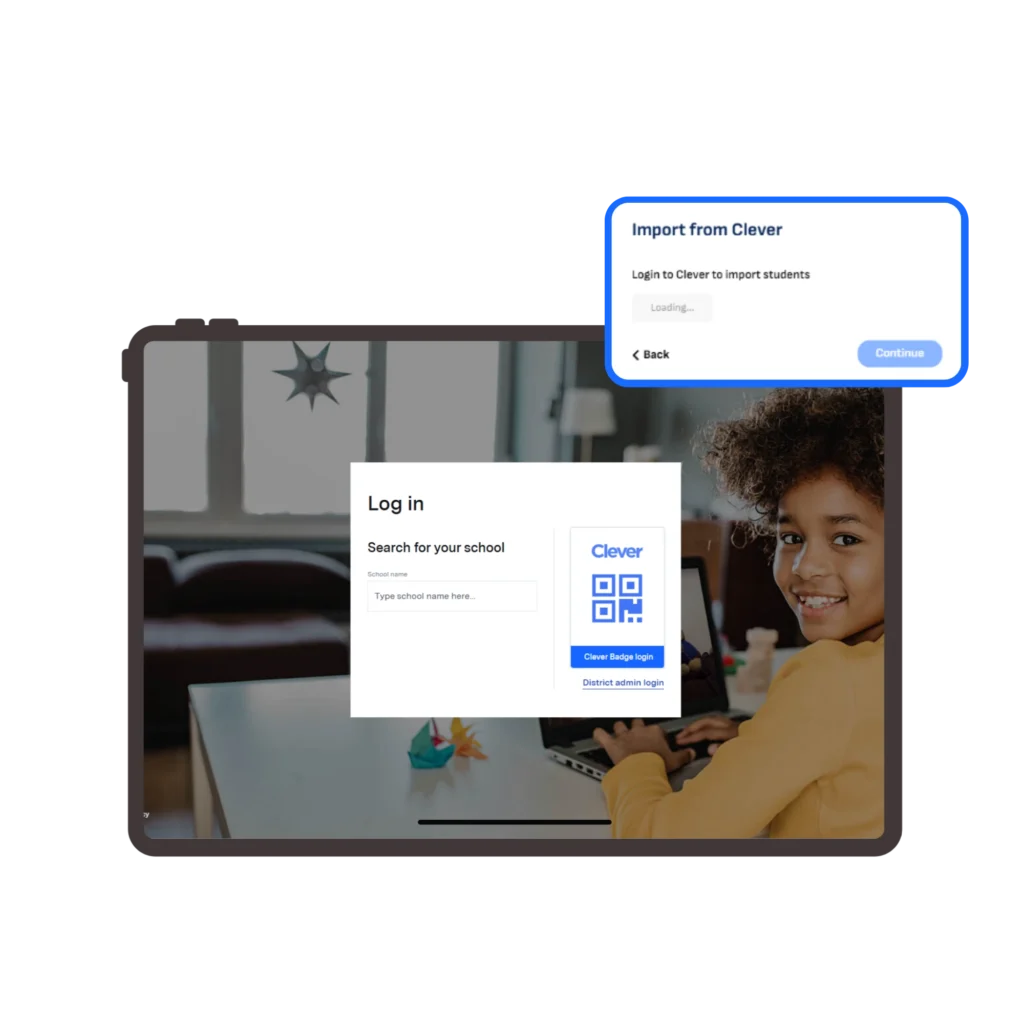
Secure rostering and sign-in, aligned to your school’s Clever setup.

Sync schools, classes, and students
Support Clever SSO where enabled
Reduce setup time for teachers

Google Classroom details

Use Google Classroom to speed up setup. Build My Story uses Google Classroom data only to create and manage your classes inside Build My Story.

What you can do

- Import your classes and rosters

- Create a Build My Story classroom from an existing Classroom class

- Reduce manual data entry for teachers

What access we request

We request the minimum Google Classroom access needed to:

- See your classes

- View class rosters (student names and identifiers)

- Create the matching class inside Build My Story

Clever details

Clever helps schools manage rostering and sign-in. When enabled by your school or district, Clever can streamline how teachers and students access Build My Story.

What you can do

- Sync schools, classes, and rosters from Clever

- Support secure sign-in through Clever where configured

- Keep teacher setup consistent across the school

Data we use

School, class, and roster information needed to create the classroom in Build My Story
Data, privacy, and security

Build My Story uses Google Classroom and Clever data only to provide the classroom setup experience (class creation and rostering). We keep data to the minimum required to run the service. You can disconnect an integration at any time.