COPPA/FERPA compliant with secure Clever and Google Classroom integration.
Free for classrooms; districts can license yearly access, and printed books can be funded by schools or families.
Schedule a quick 15-minute walkthrough.
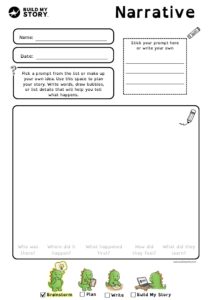
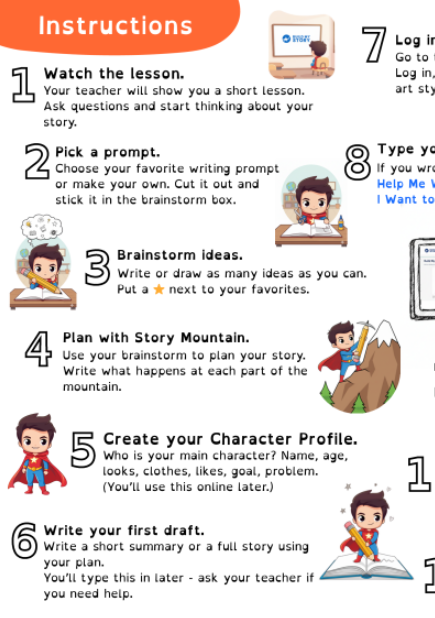
Teachers choose a theme and students create a book about any subject using different writing styles like narrative, informational, or opinion. Students then plan, write, and publish in Build My Story. Each student gets a free e-book, with optional printed copies.
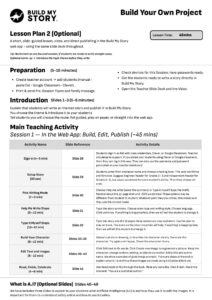
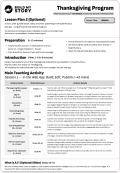
Short on time? Your class can publish straight away, by using ‘Lesson plan 2’
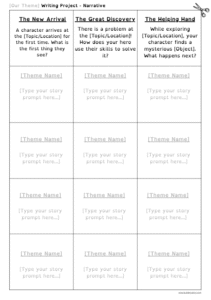
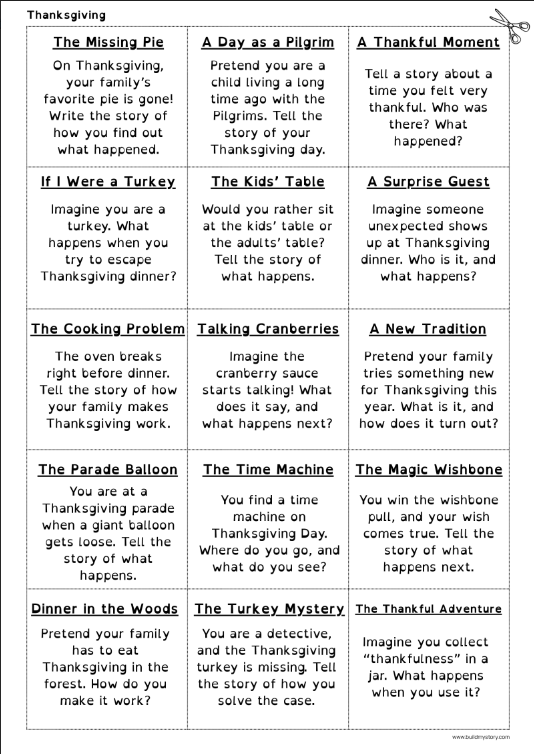
To set up the project, choose a theme and (optional) writing prompts using our template.
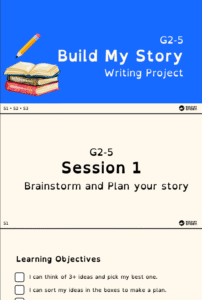
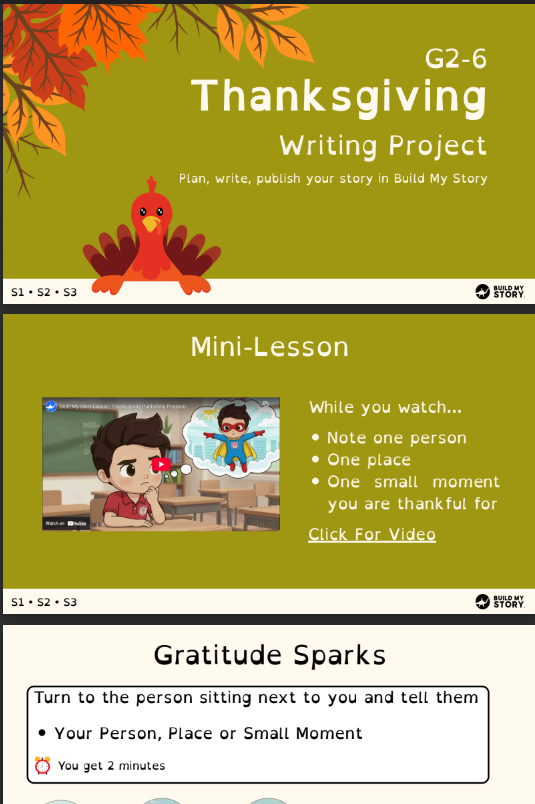
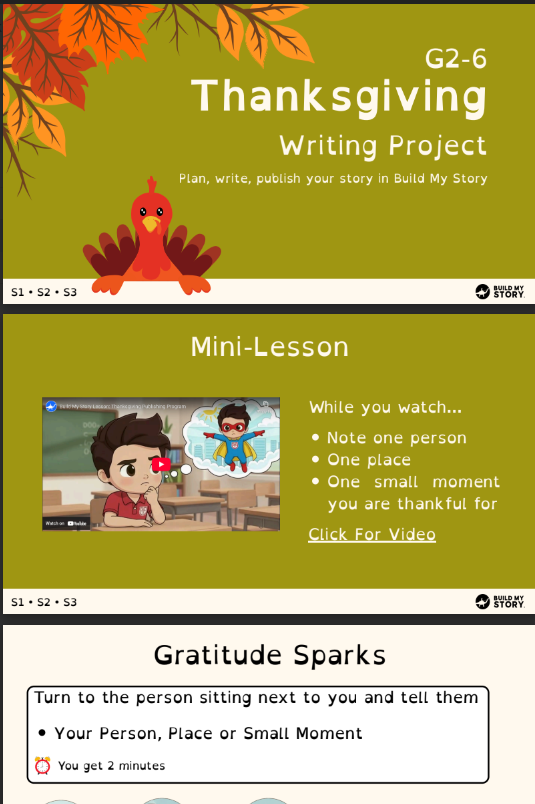
View the Canva version here
.
You can also download the PPT/PDF from the Resources tab. We provide the structure, and you decide how much detail to include.
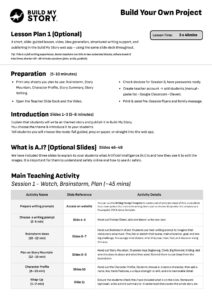
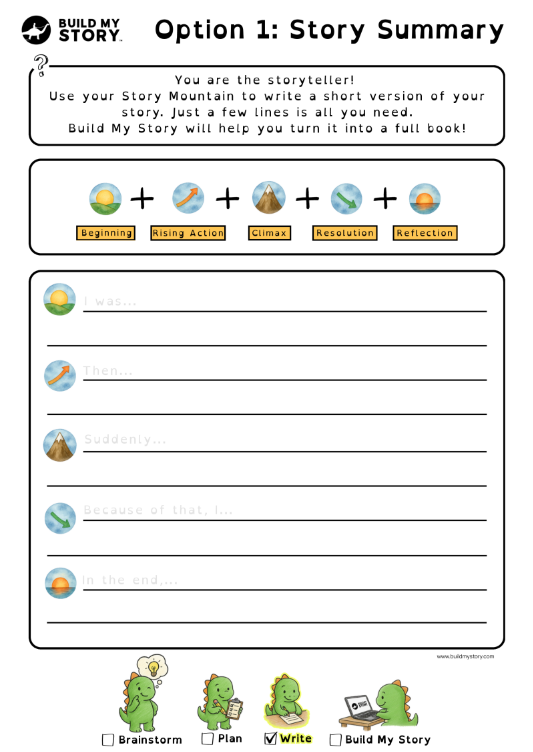
Lesson Plan 1 is the full experience, with 2–3 in-class sessions for writing and reflection. Lesson Plan 2 is for publishing only, if your students already wrote their stories or want to type directly in the web app.
Yes. Print the slide deck, staple it, and place copies on tables for students to share.
Very little. Print the student pack and slide deck. Lesson Plan 1 runs in 2–3 sessions of 30–45 minutes each, while Lesson Plan 2 can be done fully online in the web app.
30-45 mins
30-45 mins
30-45 mins
Students write real or imagined adventure stories with clear sequence, sensory detail, dialogue when helpful, and a strong ending.
Students explain elements of their invented world and rules in organized paragraphs using domain vocabulary.
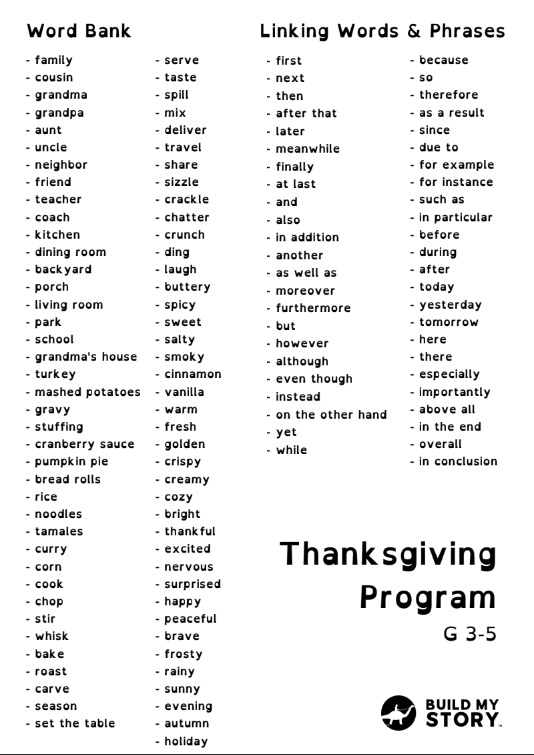
Students apply grammar, capitalization, punctuation, and grade-level spelling.
Students collaborate in discussions, give feedback, and present finished work clearly.
Students use key details and story structure concepts from brief mentor examples to support world-building and plot.
Students create and refine a digital artifact and use technology responsibly.